You haven't signed in yet, you can have a better experience after signing in
*Please complete the payment within {{receiveCouponInfo.expire_at}}Previous use*
You haven't signed in yet, you can have a better experience after signing in




Activity Rules
1、Activity time:{{ info.groupon.start_at }} ~ {{ info.groupon.end_at }}。
1、Activity time:cease when sold out。
2、Validity period of the Group Buying:{{ info.groupon.expire_days * 24 }} hours。
3、Number of Group Buying:{{ info.groupon.need_count }}x。
Please Pay Attention
1、Teamwork process: Join/initiate a Group Buying and make a successful payment - Within the validity period, the number of team members meets the activity requirements - Group Buying succeeded!
2、If the number of participants cannot be met within the valid period, the group will fail, and the paid amount will be refunded in the original way.
3、The number of people required and the time of the event may vary among different products. Please pay attention to the rules of the event.
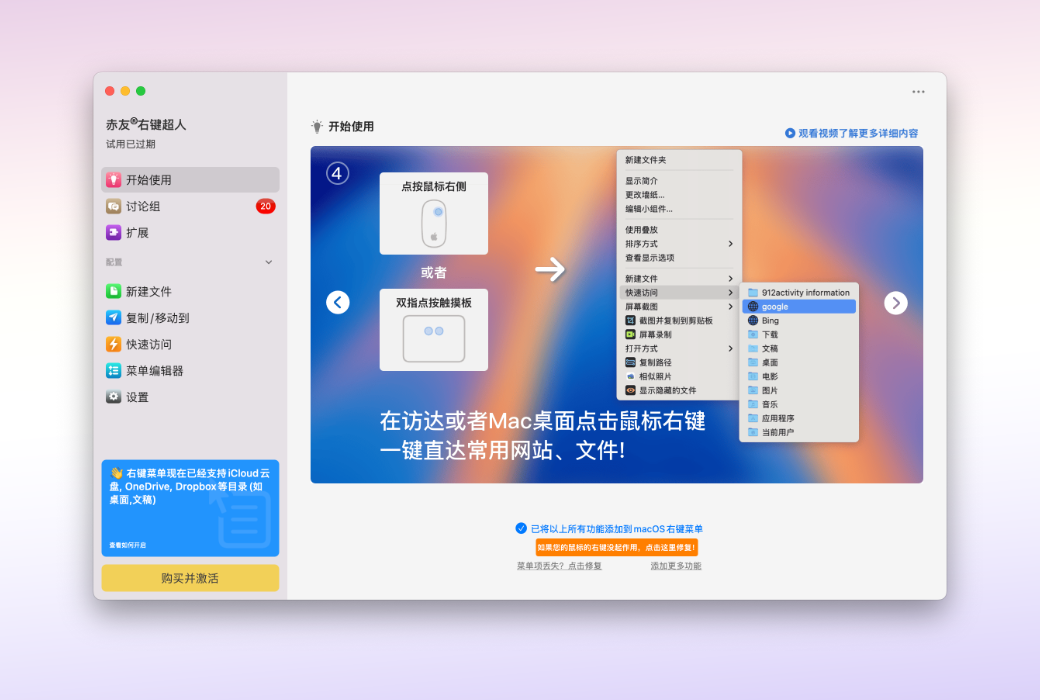
ChiYou Right-click Superman - Upgrade your Finder, making your Mac right-click menu 10 times more powerful.
One-click unlock 40+ practical functions | Create new files, cut, uninstall, convert formats... All file operations can be done with a single right-click
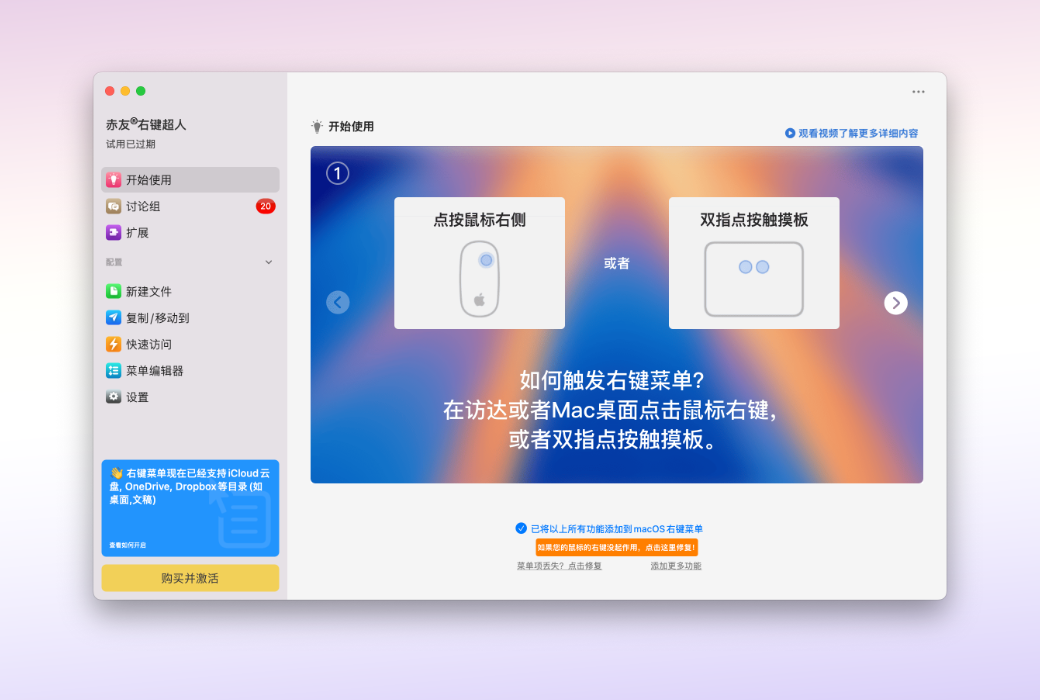
Numerous functions integrated with your Mac right-click menu
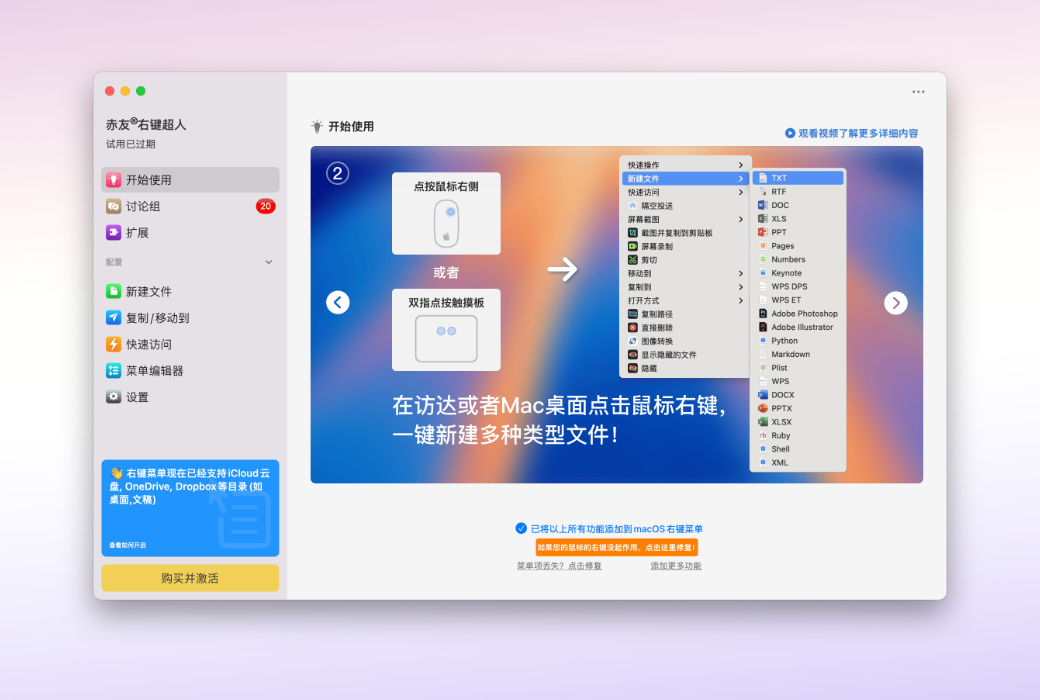
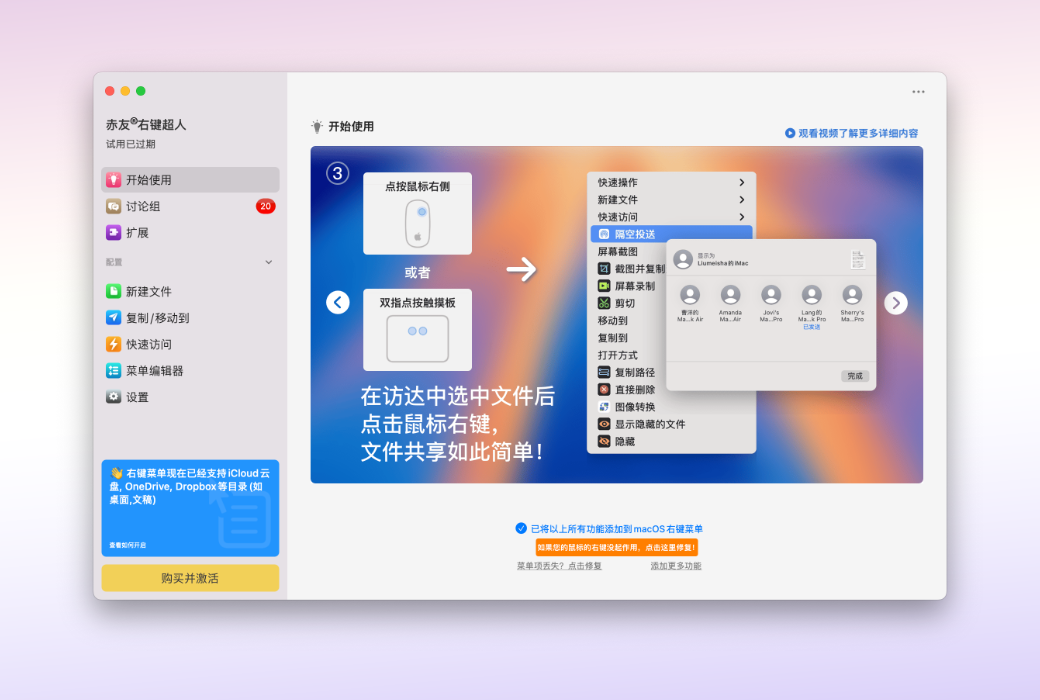
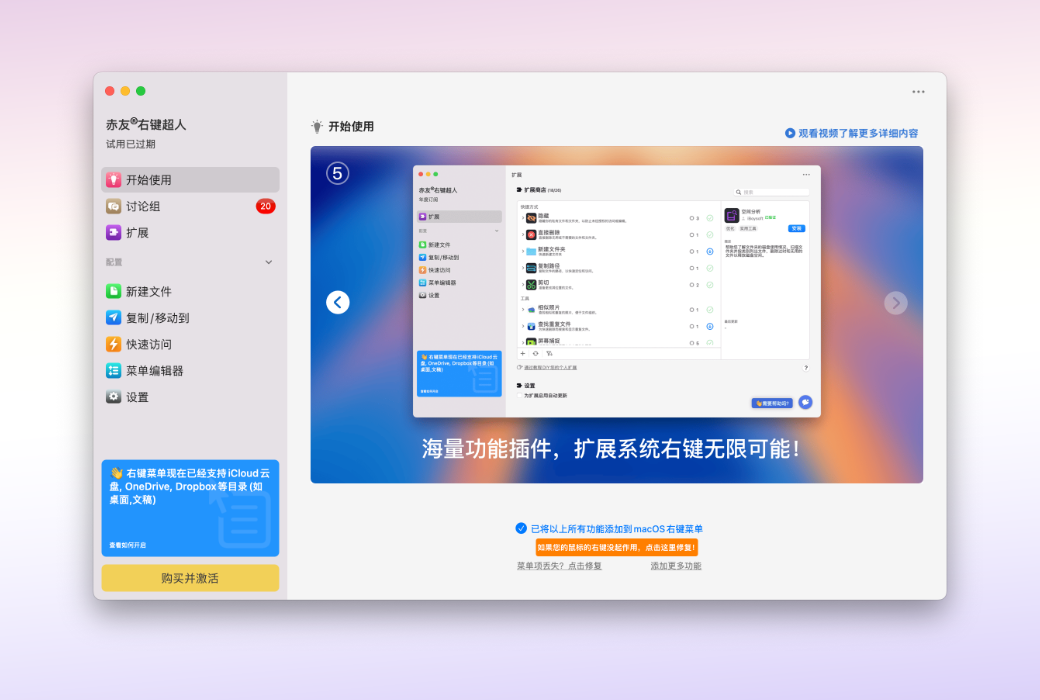
This powerful Finder right-click extension integrates 40+ practical functions into your right-click menu, allowing you to create new documents, quickly cut, copy paths, completely delete files, and perform AirDrop with a single click. Say goodbye to cumbersome operations and make efficiency within reach!
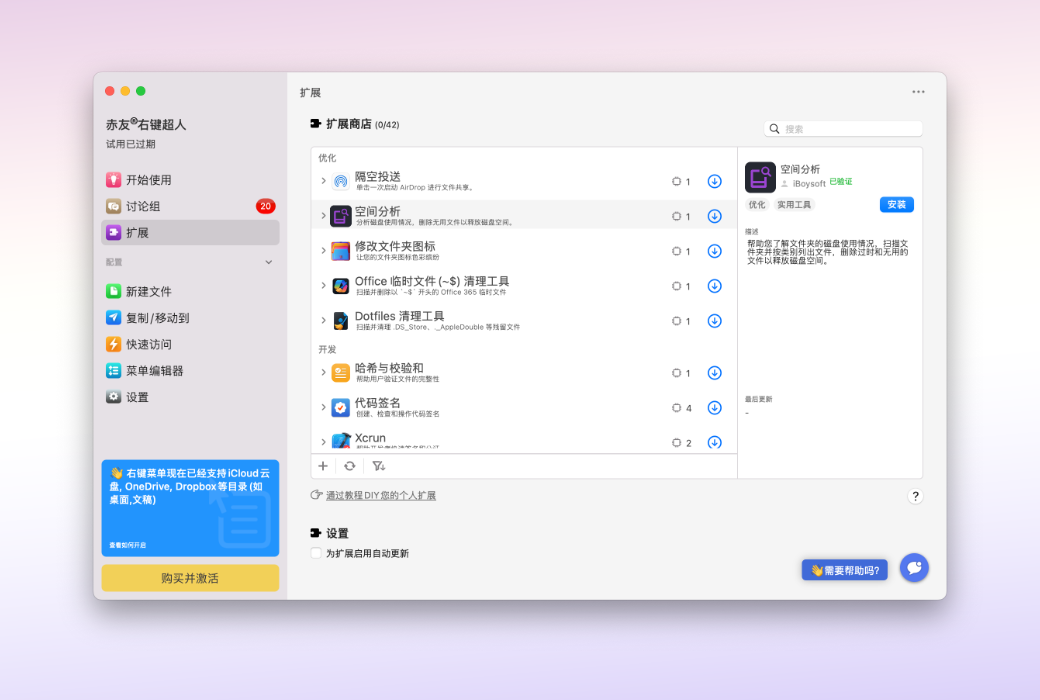
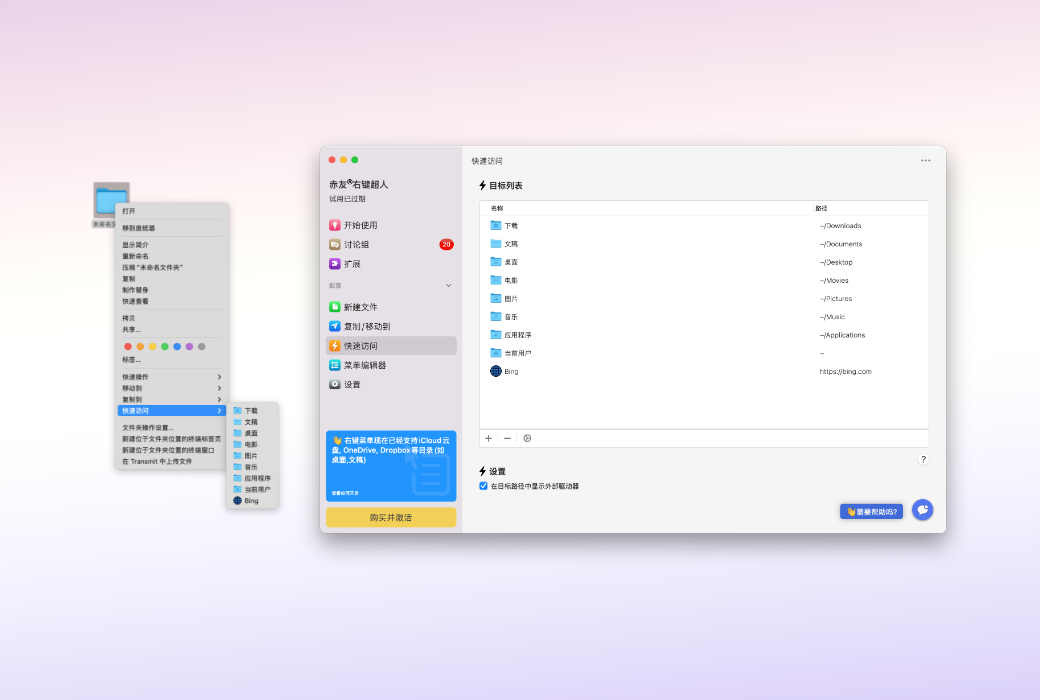
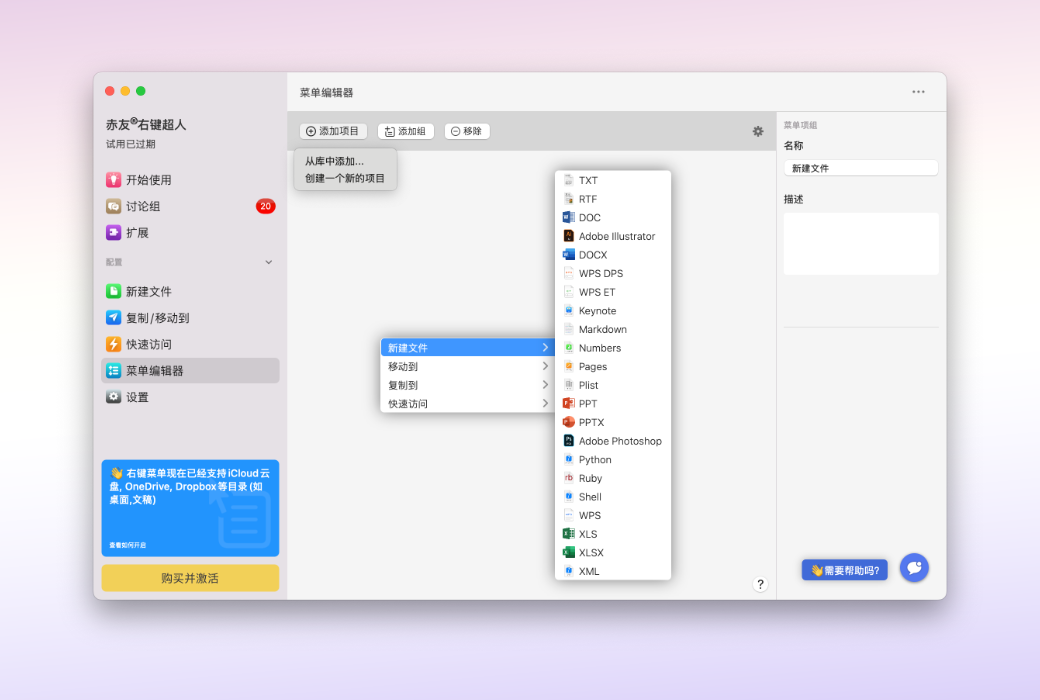
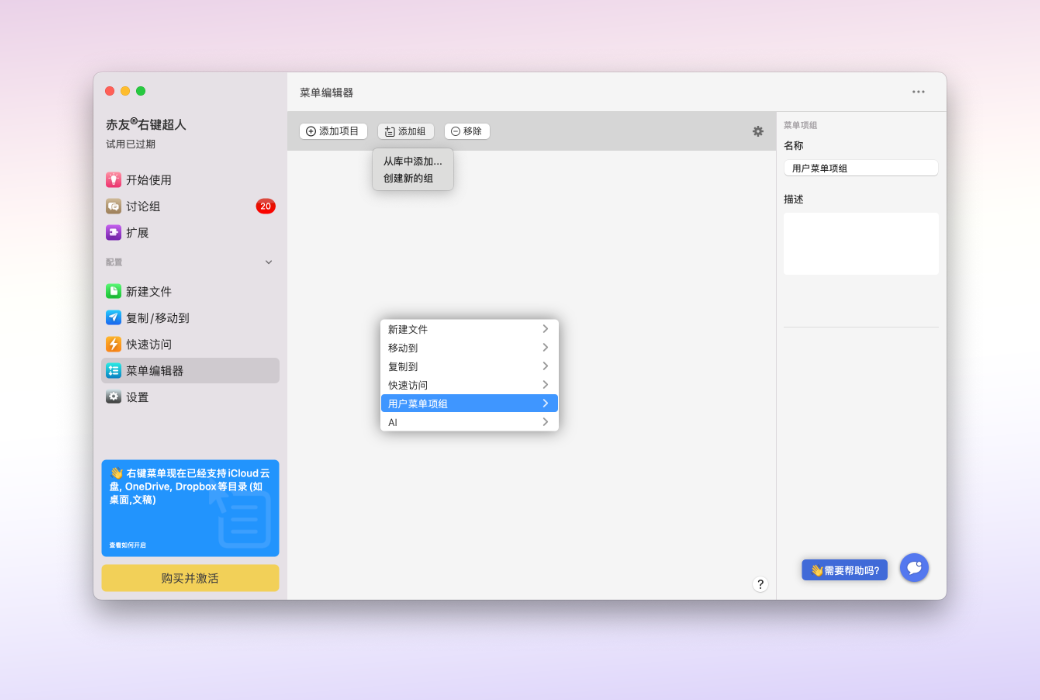
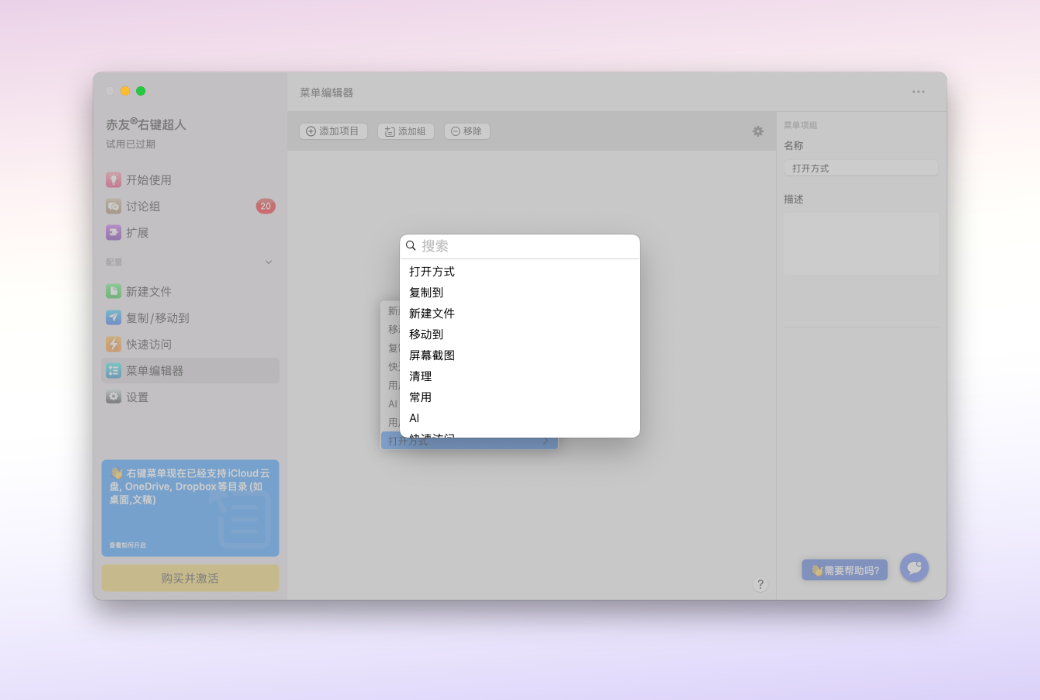
Freely customize, efficiently follow your heart - In the extension store, you can add functions as needed to create your own right-click shortcut menu. Advanced tools such as disk space analysis and file access time modification help you easily control file management.
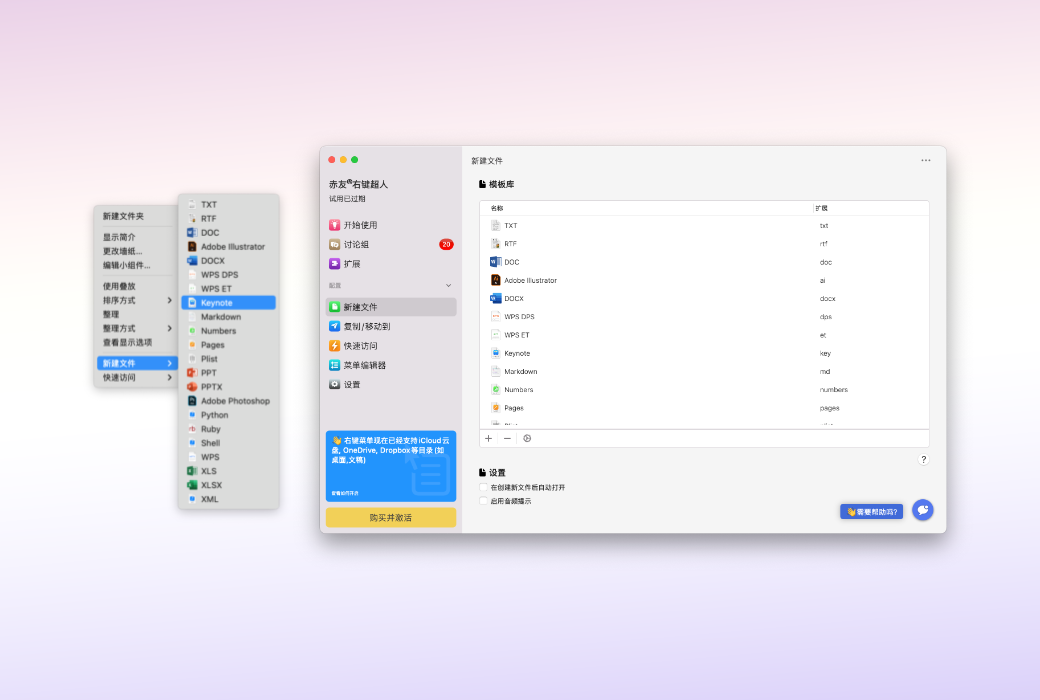
Right-click to create new files
Right-click to cut files
Finder has always lacked a true "cut" function, forcing users to first copy and then delete or use the shortcut "Command+C → Command+Option+V" - but ChiYou Right-click Superman has completely eliminated this design flaw! Now, with just a right-click, you can perform true file cutting operations.
Official Website:https://aibotech.cn/right-click-menu/
Download Center:https://right-click-menu.apsgo.cn
Delivery Time: Automatic delivery within 24 hours
Operating Platform: macOS
Interface Language: Supports Chinese interface display, with multiple languages available.
Update Instructions: Use and updates during the subscription period.
Trial Before Purchase: Free trial available before purchase.
How to Receive Your Order: After purchase, activation information will be sent to the email used for placing the order. You can also view the corresponding product activation code in your personal center, under "My Orders".
Number of Devices: Can be installed on 1 computer.
Changing Computers: Uninstall on the original computer and activate on the new one.
Activation Guide: To be added.
Special Instructions: To be added.
References:https://aibotech.cn/right-click-menu/

Any question

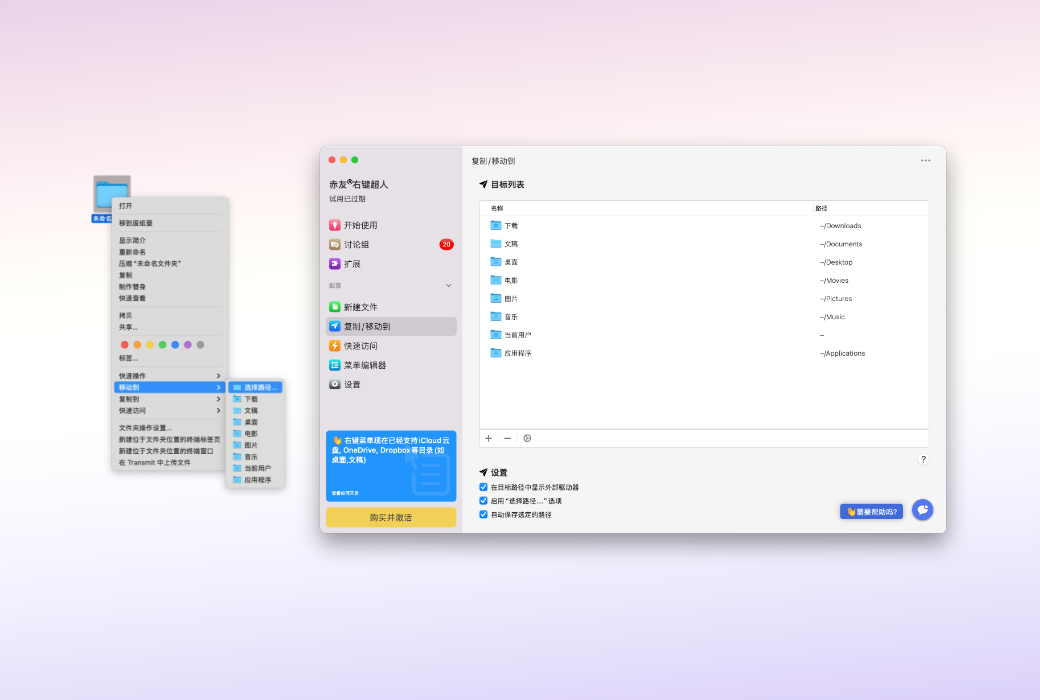
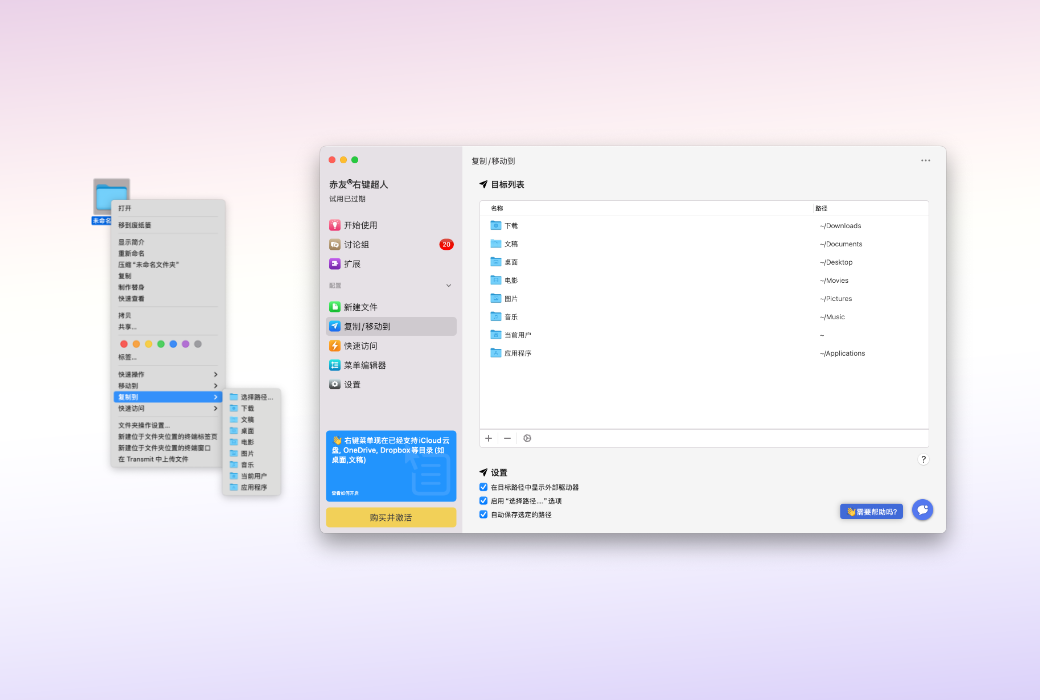
Select a file or folder, right-click on "Copy to/Move to", and you can send it to the specified location
1. Copy the file to the target path
After the file is successfully copied to the target path, the source file will not be deleted
2. Move the file to the target path
After the file is successfully copied to the target path, the source file will be deleted (similar to the "Cut" function)
How to right-click and copy/move files with one click?
Step 1: Select a file or folder, right-click and select "Copy to/Move to" from the dropdown menu
Step 2: Select the path to which you want to send the file to copy/move it with one click
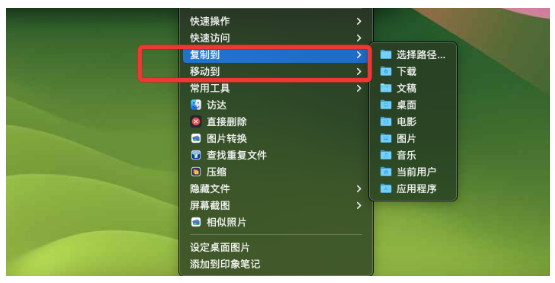
Note: Right-click Superman supports sending to all accessible paths on your computer. If the desired sending path is not in the default list, you can manually add it